
What's New
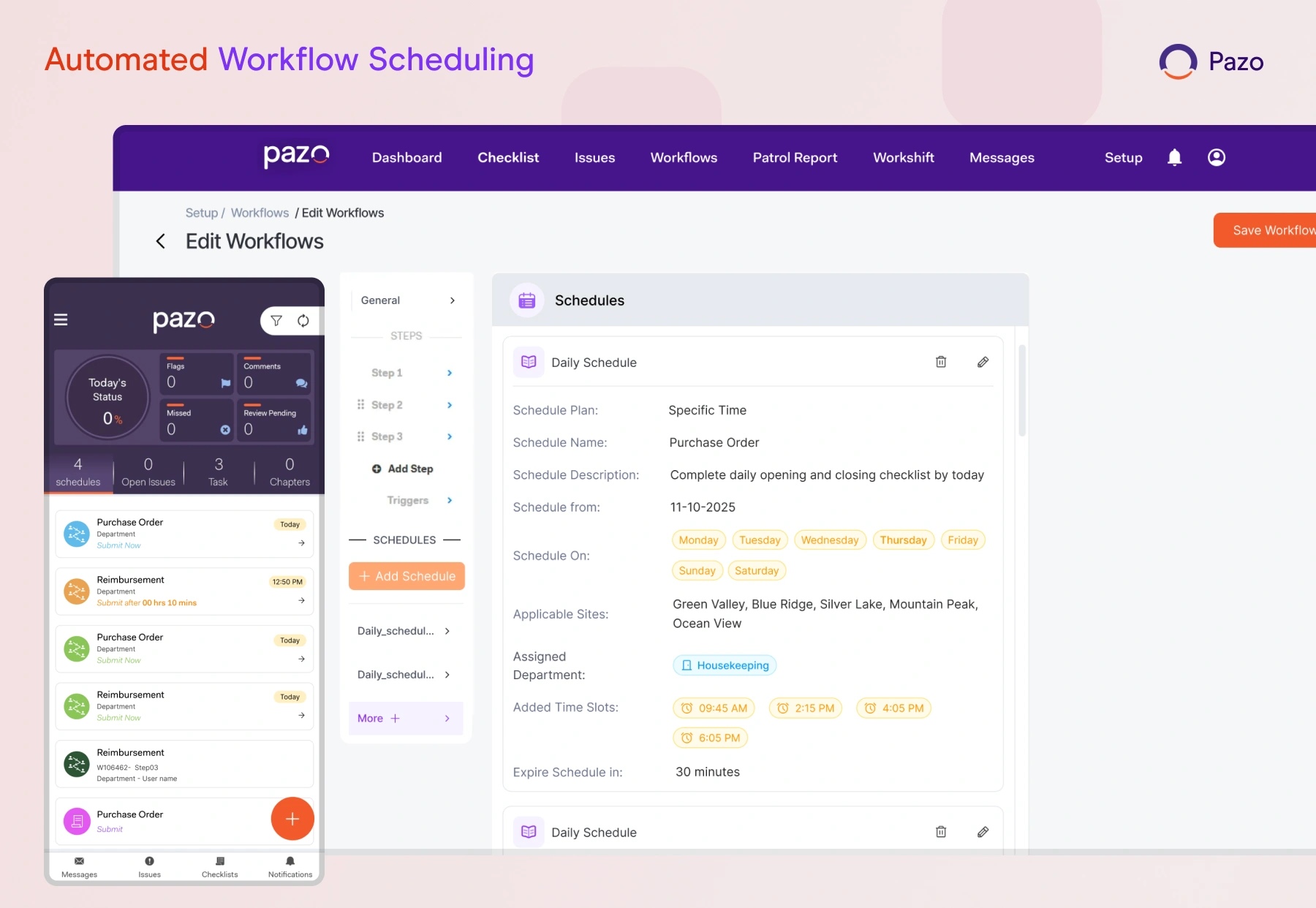
Automated Workflow Scheduling
What It Does:
Enables workflows to be scheduled for automatic execution at predefined times or intervals.
Why It Matters:
Ensures timely execution of recurring tasks, reduces manual effort, and improves operational consistency.
Assign Back to Any Step Option in Workflows
What It Does:
Allows a workflow step to be reassigned back to any previous step instead of only the immediate previous one.
Why It Matters:
Improves process flexibility and enables better error correction and revalidation.
.webp)
AI Decision Control in Workflows
What It Does:
Decouples AI evaluation from workflow routing, allowing AI to analyze inputs without automatically triggering step acceptance or rejection.
Why It Matters:
Provides greater control over workflow outcomes by enabling users to apply AI insights while retaining manual decision-making where required.
AI Image Comparison in Workflows
What It Does:
Enables AI-based image comparison within workflow steps against configured thresholds.
Why It Matters:
Improves compliance validation, ensures visual standards, and reduces manual review dependency.

WHAT'S NEW
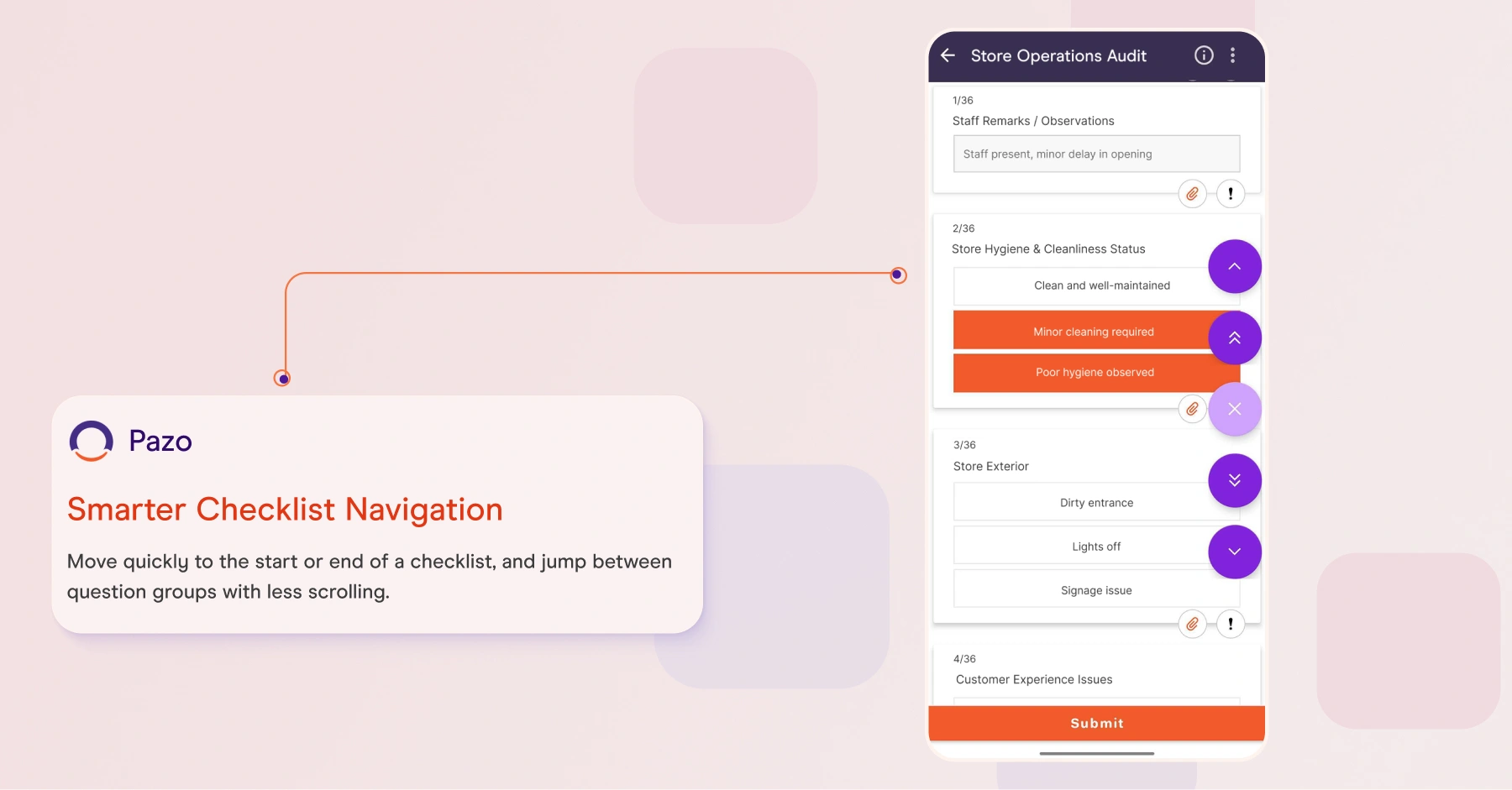
Enhanced Checklist Navigation
What It Does:
Enables users to quickly navigate to the start or end of the checklist, as well as move between the next or previous question groups.
Why It Matters:
Improves efficiency and reduces effort when completing long checklists by minimizing excessive scrolling and simplifying navigation.
In-Browser File Viewing
What It Does:
Enables viewing of supported file types directly within the browser instead of forcing downloads.
What It Does:
Improves user convenience, reduces unnecessary downloads.
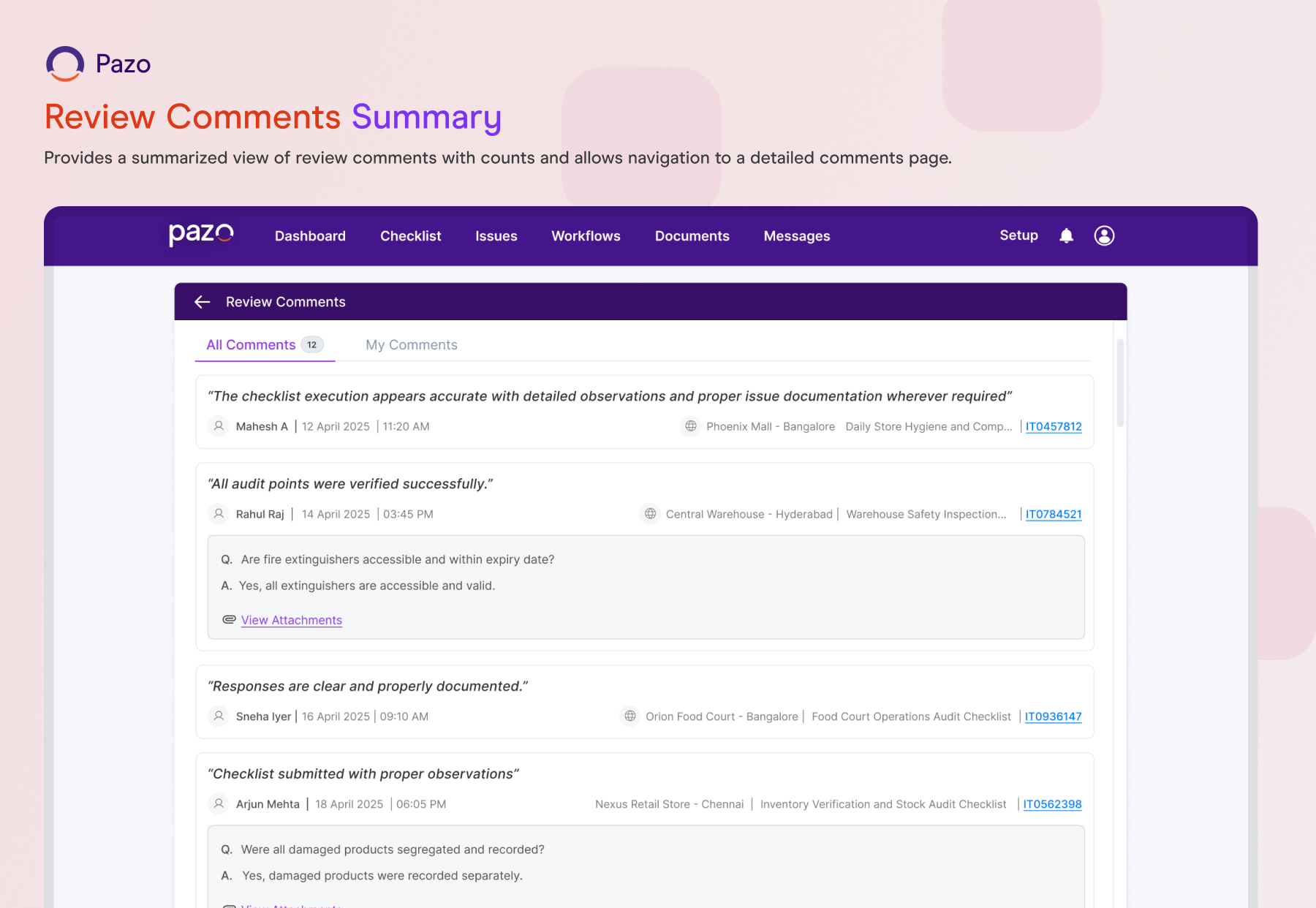
Review Comments Summary
What It Does:
Provides a summarized view of review comments with counts and allows navigation to a detailed comments page.
What It Does:
Improves visibility into feedback and enables quicker review and action.
Bulk Gallery Download Optimization
What It Does:
Enhances performance when downloading multiple files or images from the gallery.
Why It Matters:
Reduces wait time and improves efficiency when handling large data sets.
AI Flagging Control
What It Does:
Enables configuration of AI flag thresholds at the individual question level, determining when an AI evaluation based on score should trigger a flag.
What It Does:
Provides better control over flagging sensitivity by allowing thresholds to be tailored per question, reducing unnecessary flags while ensuring critical issues are appropriately highlighted.
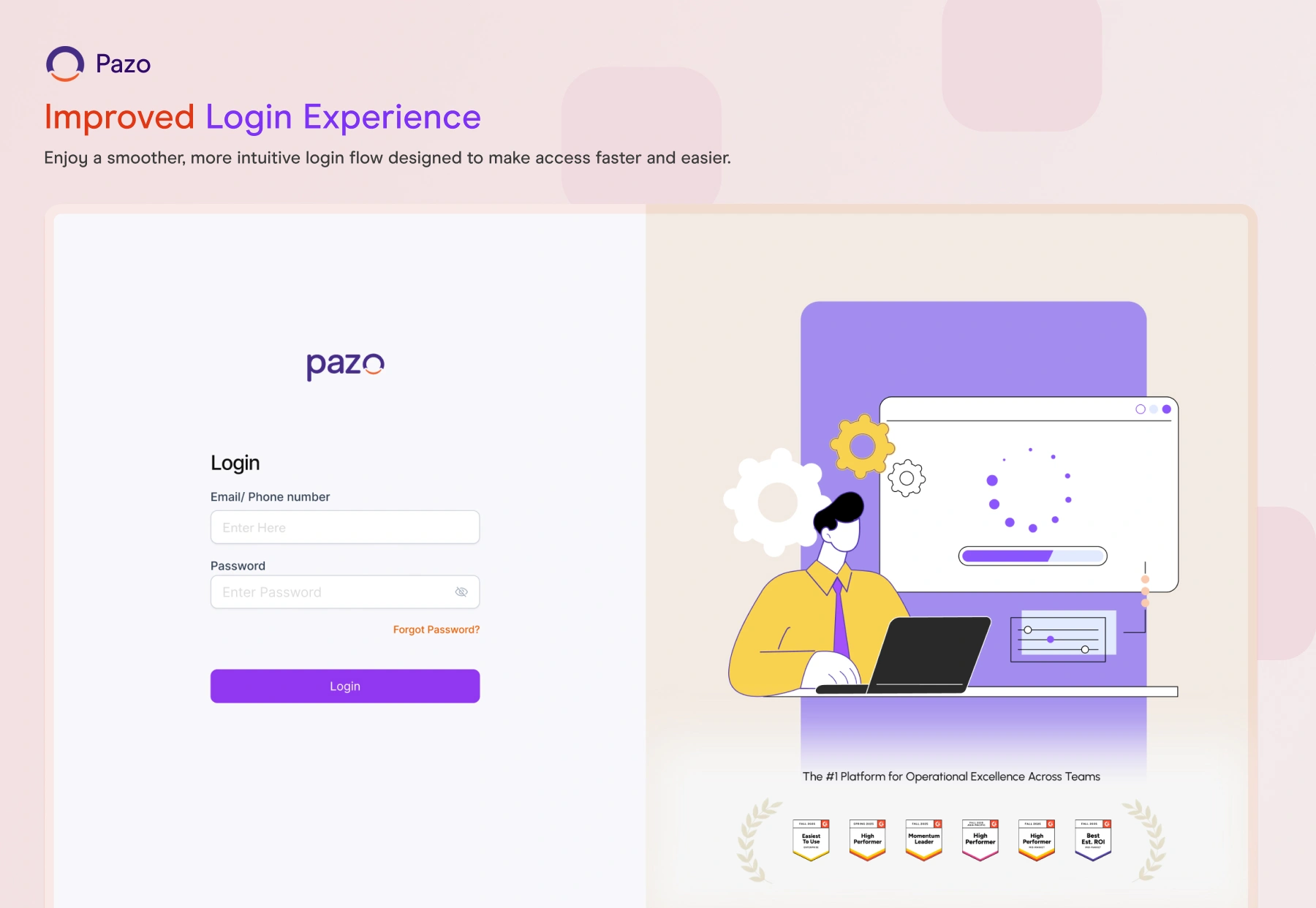
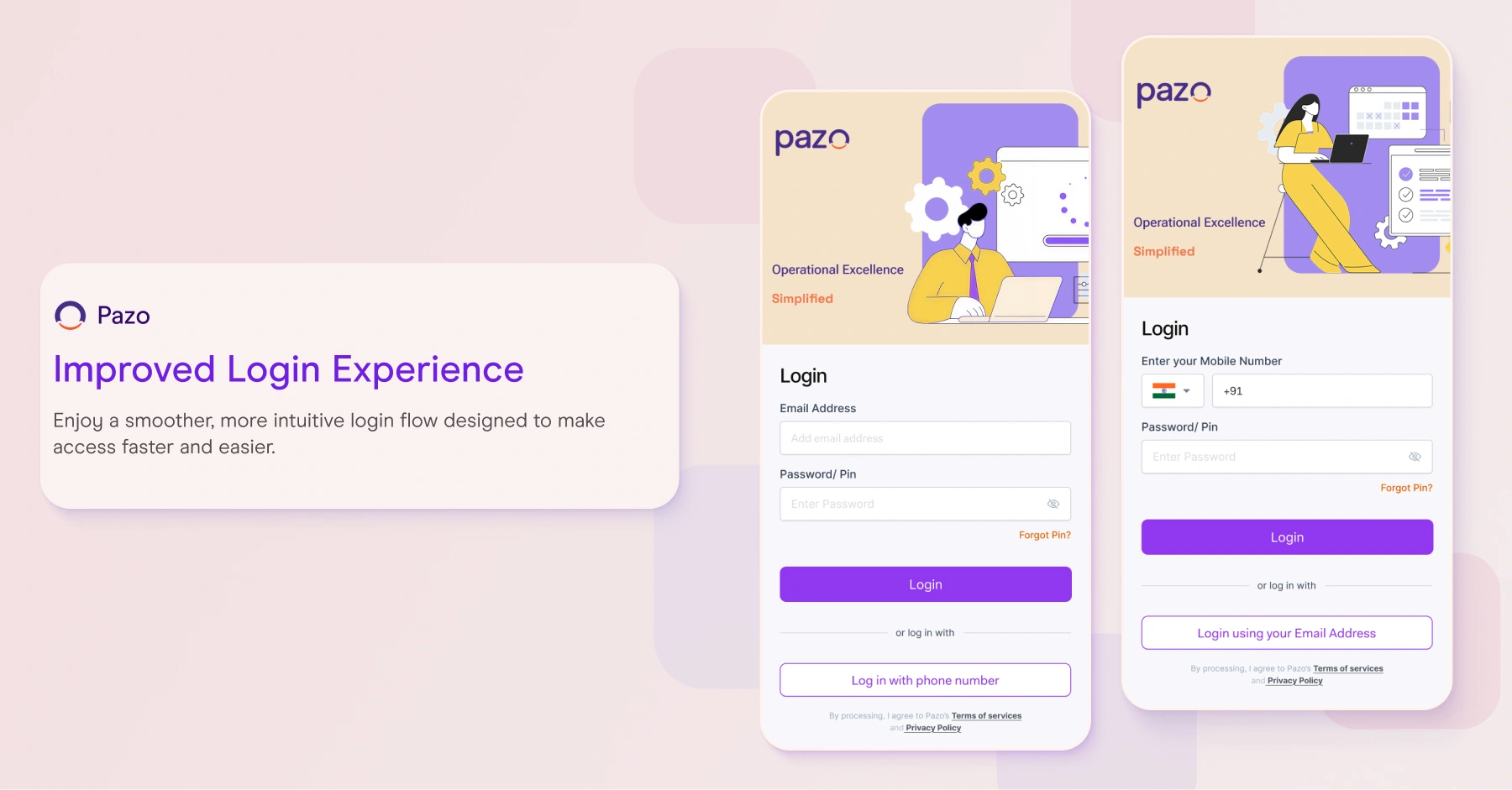
Improved Login Experience
What It Does:
Enhances the login interface and flow for better usability.
What It Does:
Provides a smoother and more intuitive user experience during login.
Dashboard Site Sorting Enhancements
What It Does:
Allows users to sort the list of sites in the Multi-Site Dashboard based on selected metrics such as schedules, flags, missed items, and other key indicators.
What It Does:
Helps users quickly identify and prioritize sites that require attention by bringing the most critical metrics to the top, improving monitoring and decision-making efficiency.