
Version
What's New
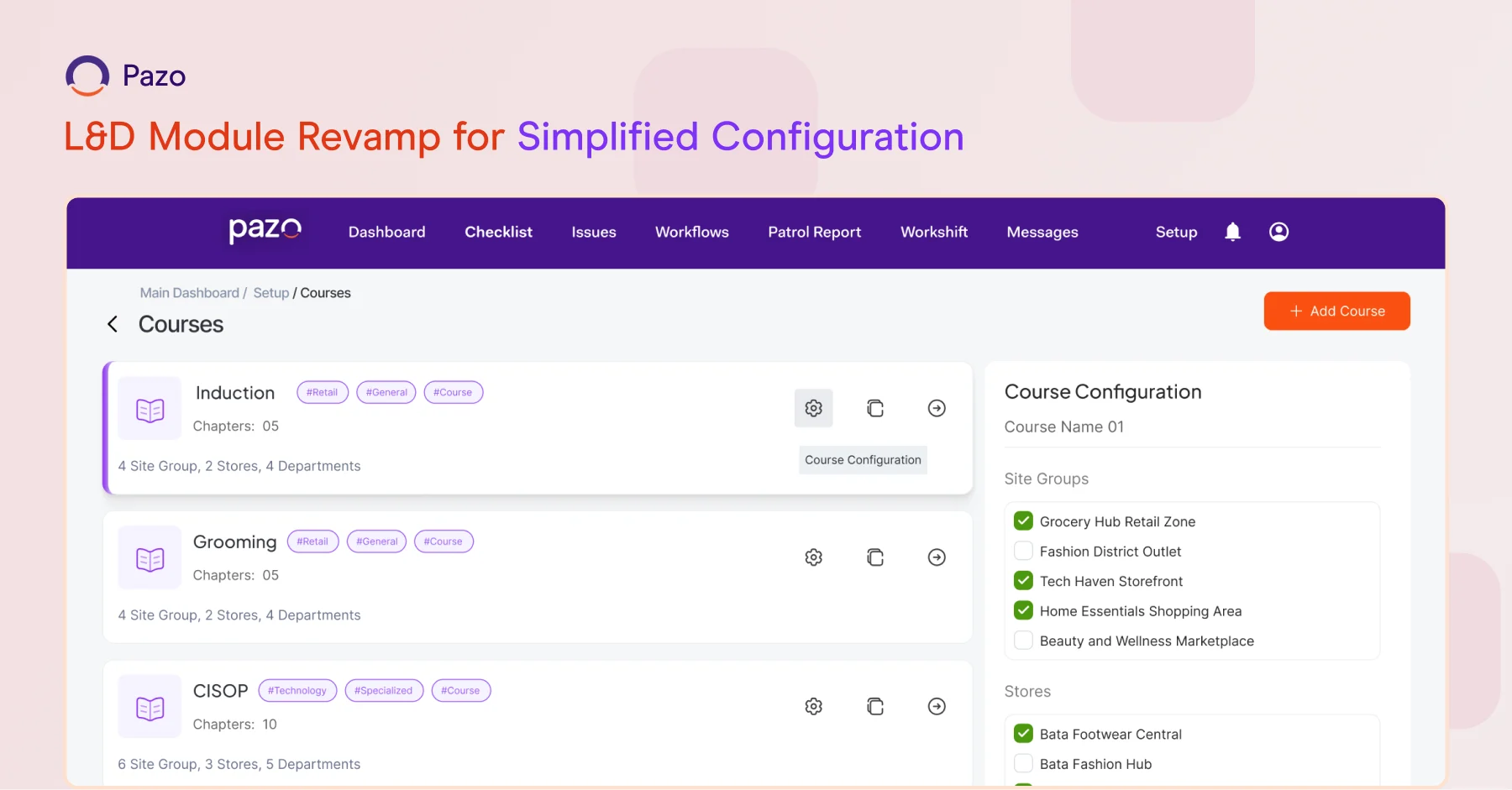
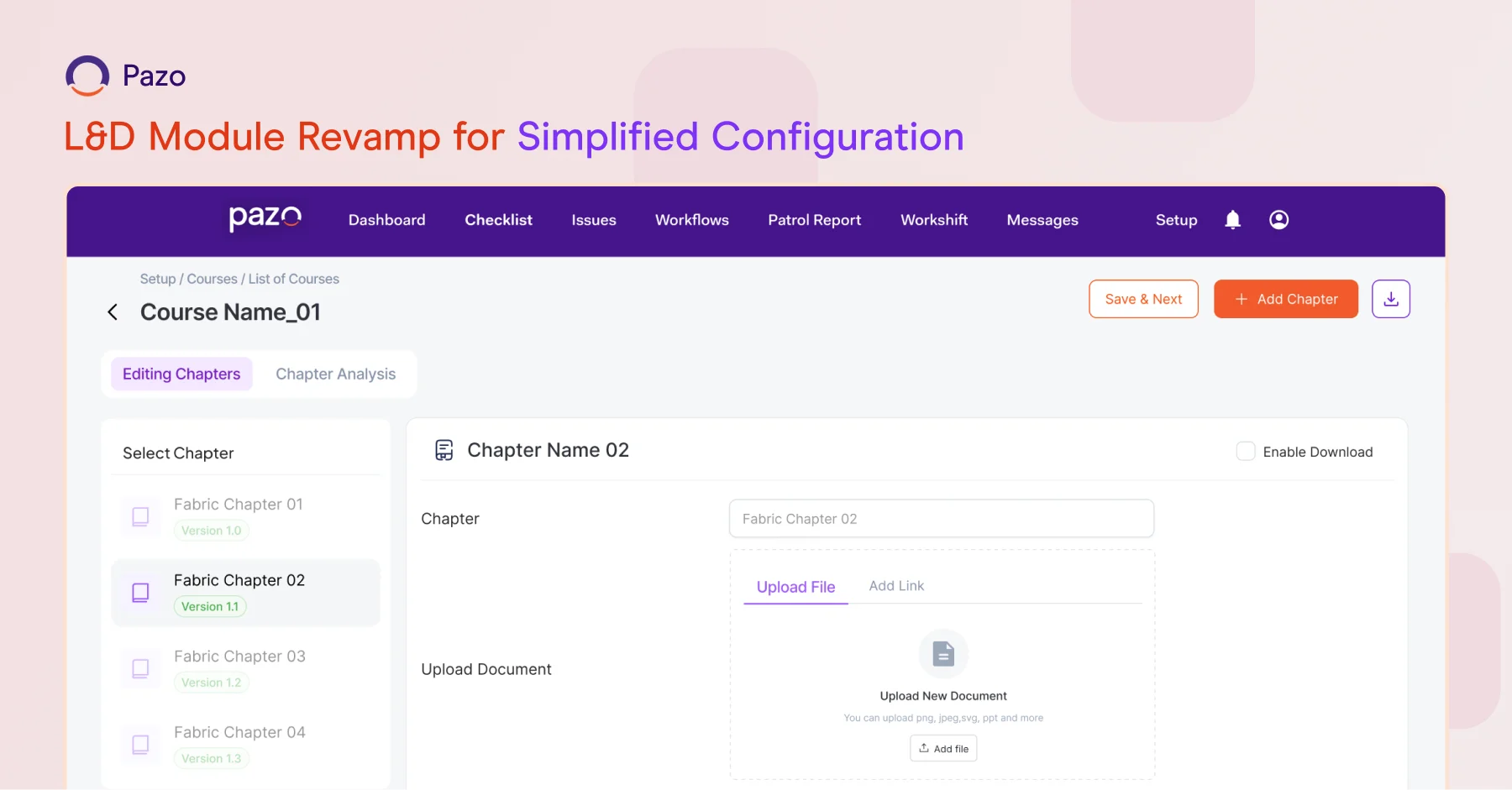
L&D Module Revamp for Simplified Configuration
What It Does:
Moves common configurations—such as Target Site, Department, and User Groups—from the Chapter level to the Course level in the L&D module. Quiz-specific settings continue to be managed at the Chapter level.
Why It Matters:
Reduces repetitive setup work and makes course configuration faster and easier for L&D admins—while preserving flexibility where it’s needed.

WHAT'S NEW
Excel-Style Filters in Checklist Grid View
What It Does:
Adds Excel-like column filters to the Checklist Grid View, allowing users to quickly sort, filter, and analyze checklist data.
Why It Matters:
Improves data visibility and speeds up analysis—especially when working with large volumes of checklists.
Bulk Download for PJP Reports
What It Does:
Enables bulk downloading of reports in the PJP module instead of downloading them one by one.
Why It Matters:
Reduces manual effort and saves time for managers and operations teams handling large-scale reporting.
Enhanced Group Icon Design in Messages
What It Does:
Improves the visual design of group icons in the Messages module for clearer identification.
Why It Matters:
Makes it easier to distinguish conversations at a glance—especially in environments with multiple active groups.
Read and Unread Message Indicators
What It Does:
Introduces read and unread status indicators for messages.
Why it Matters:
Helps users track message visibility and follow up more effectively—without missing important communication.
Pin Ad Hoc Schedules to the Dashboard
What It Does:
Allows Ad Hoc schedules to be pinned directly to the Dashboard for quick access.
Why it Matters:
Keeps frequently used or time-sensitive schedules easily accessible—reducing navigation time during execution.